How to get your affiliate link from Thrivecart
Step one:
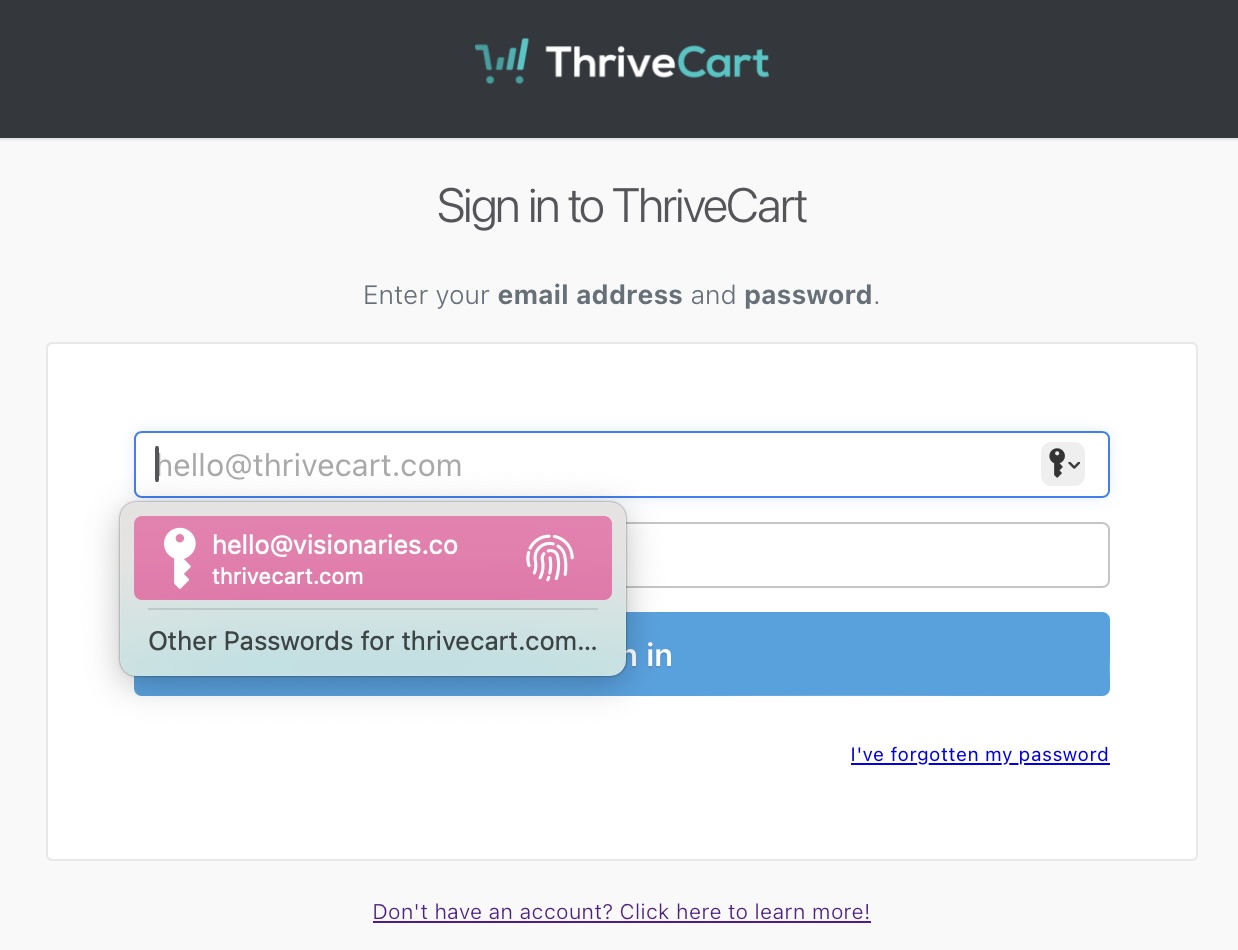
Use the button above to sign into Thrivecart
Step two:
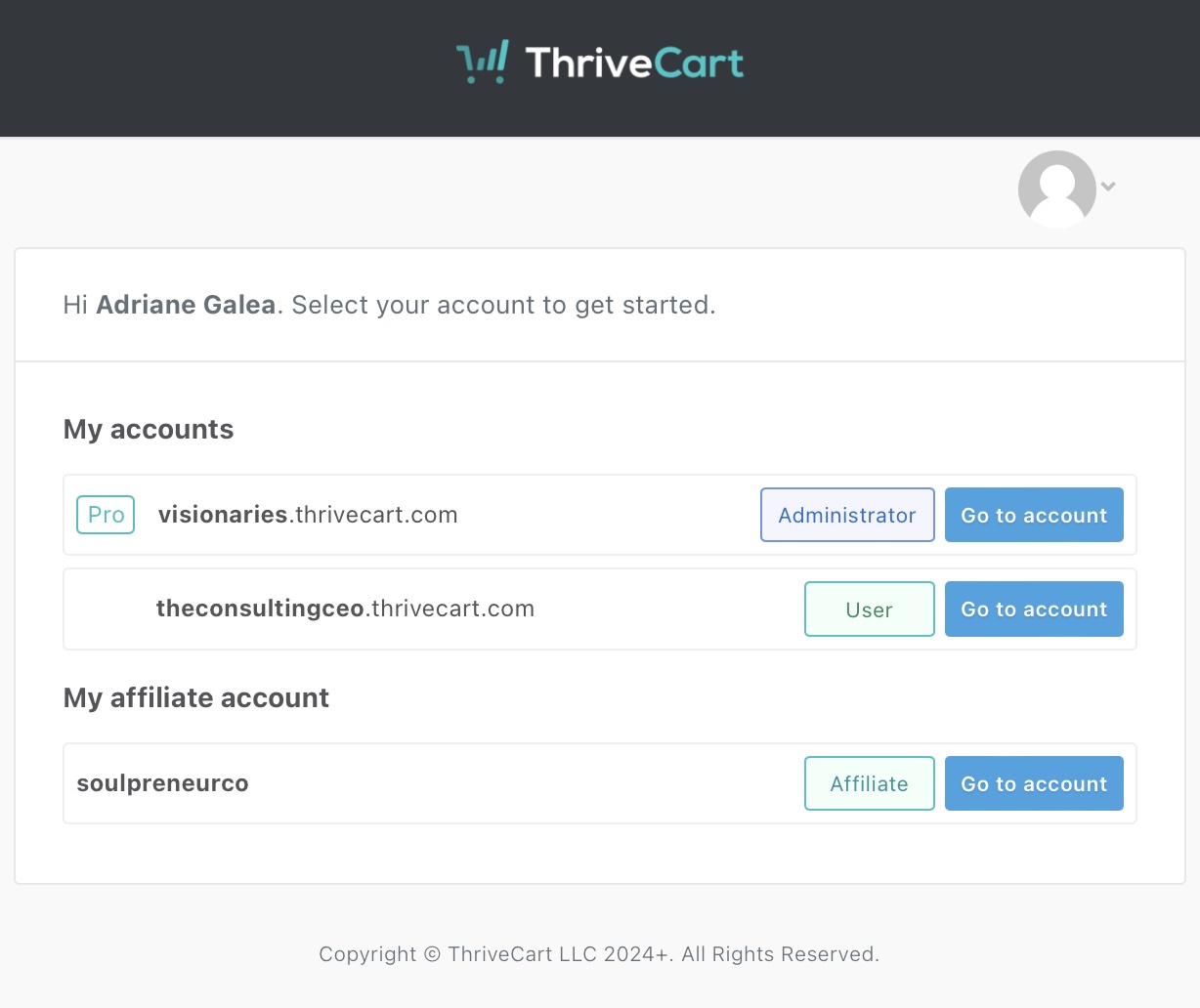
If you have your own Thrivecart account for your business, or if you manage other Thrivecart accounts for anyone else, you will see this screen. You will need to go to the “My affiliate accoutn” link.
If you don’t, you will go straight to step 3.
Step three:
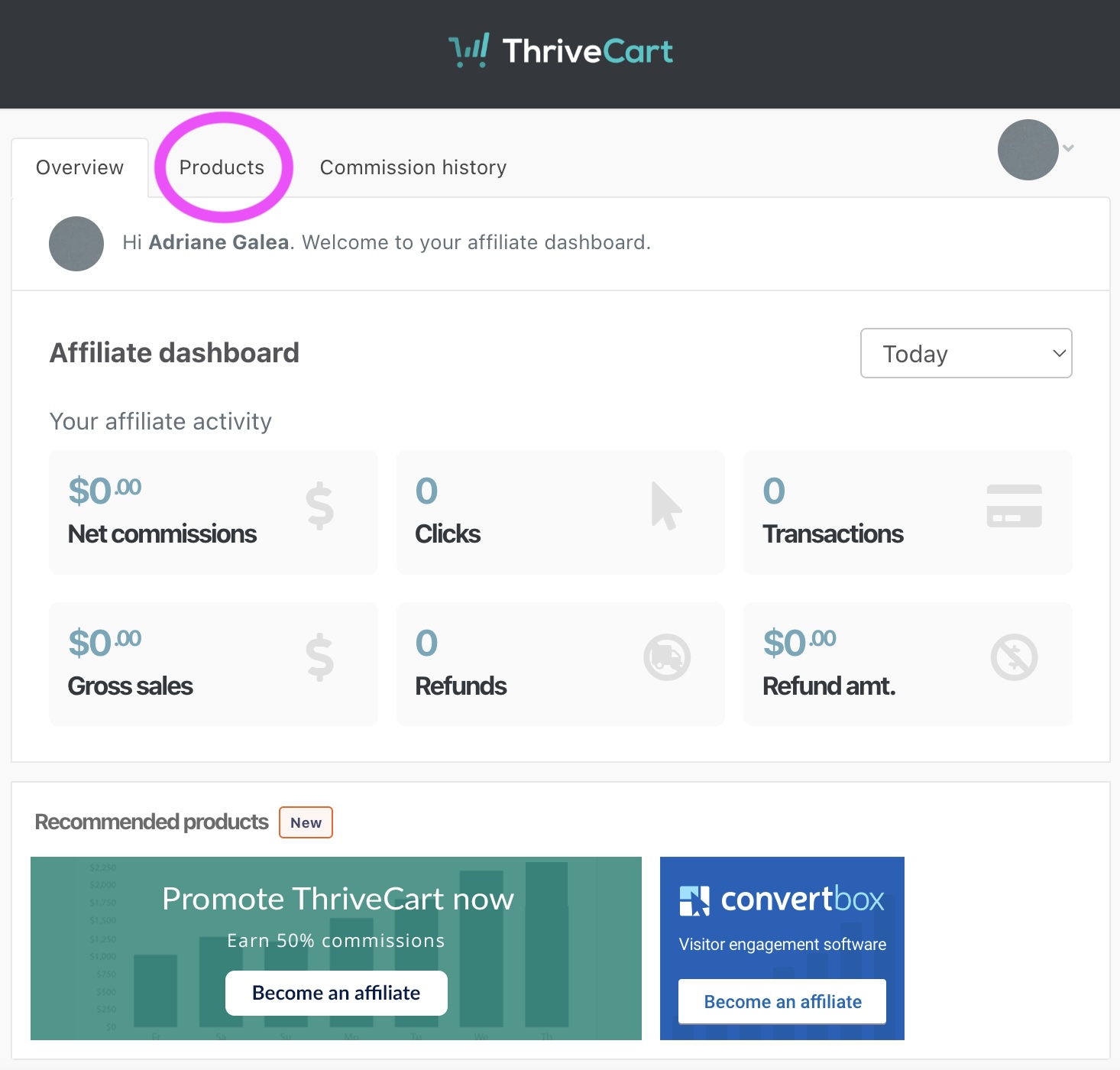
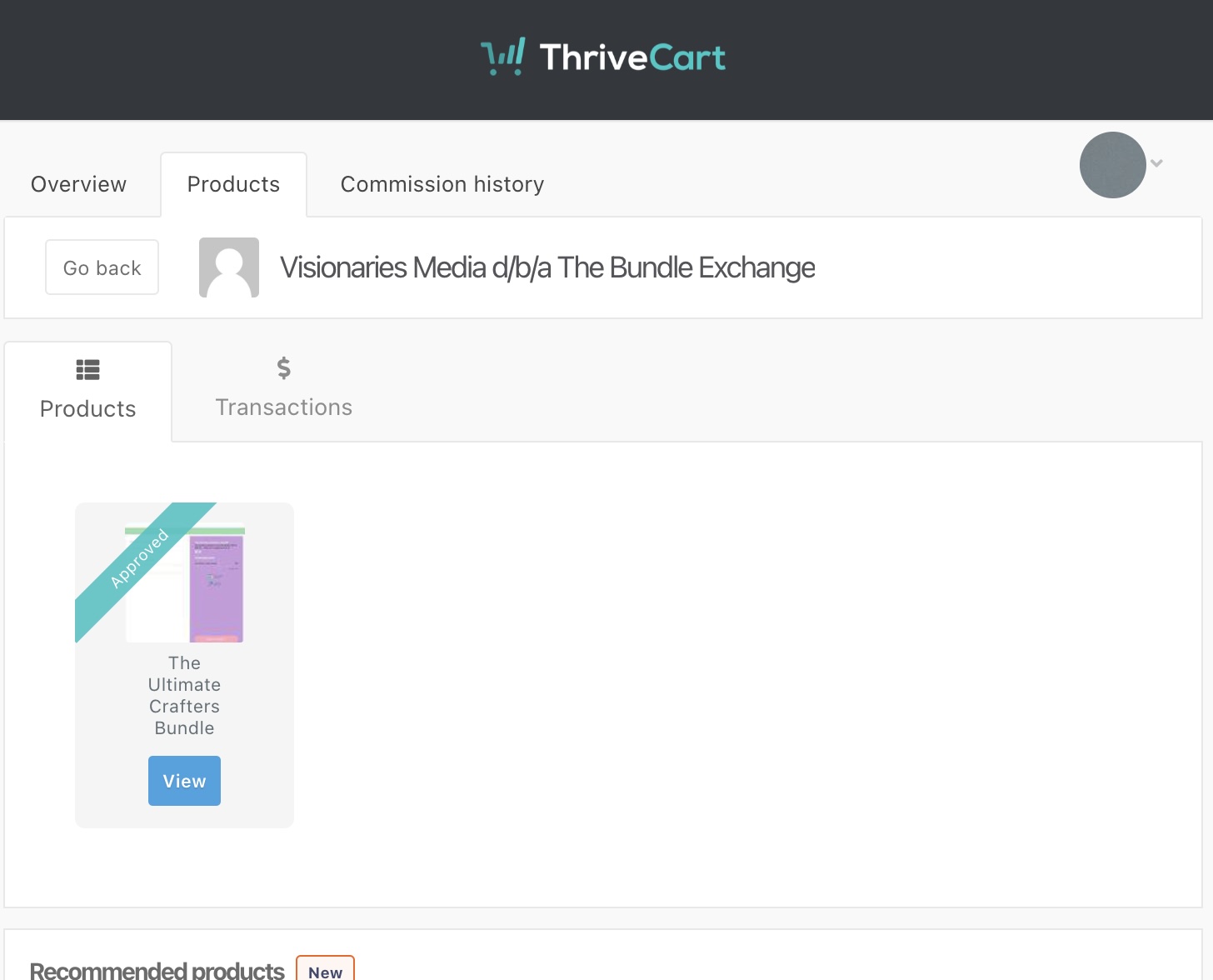
Click on the “Products” tab.
Step four:
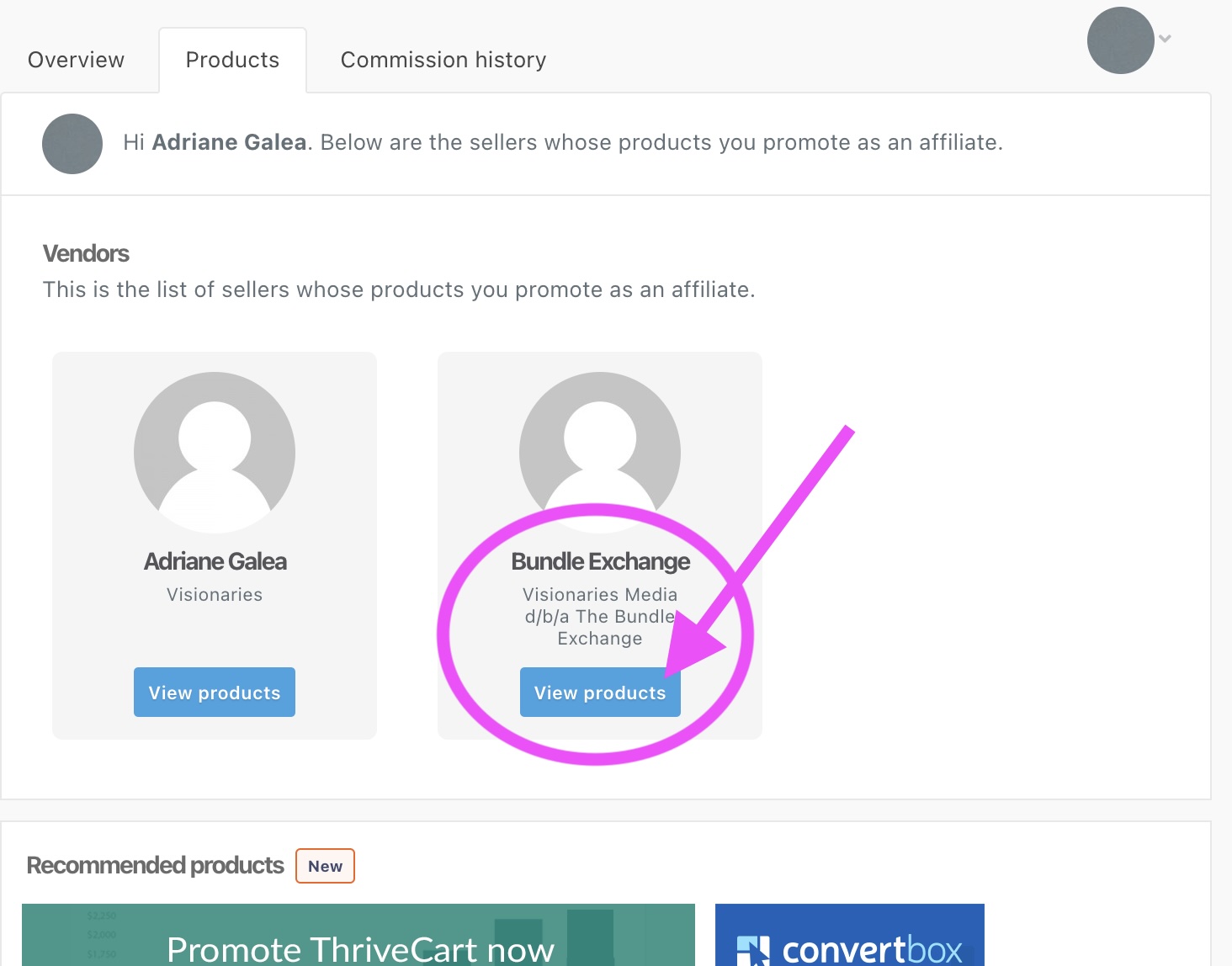
Click on the Bundle Exchange “View products” link.
Step five:
Choose the bundle product you need the link for.
Step six:
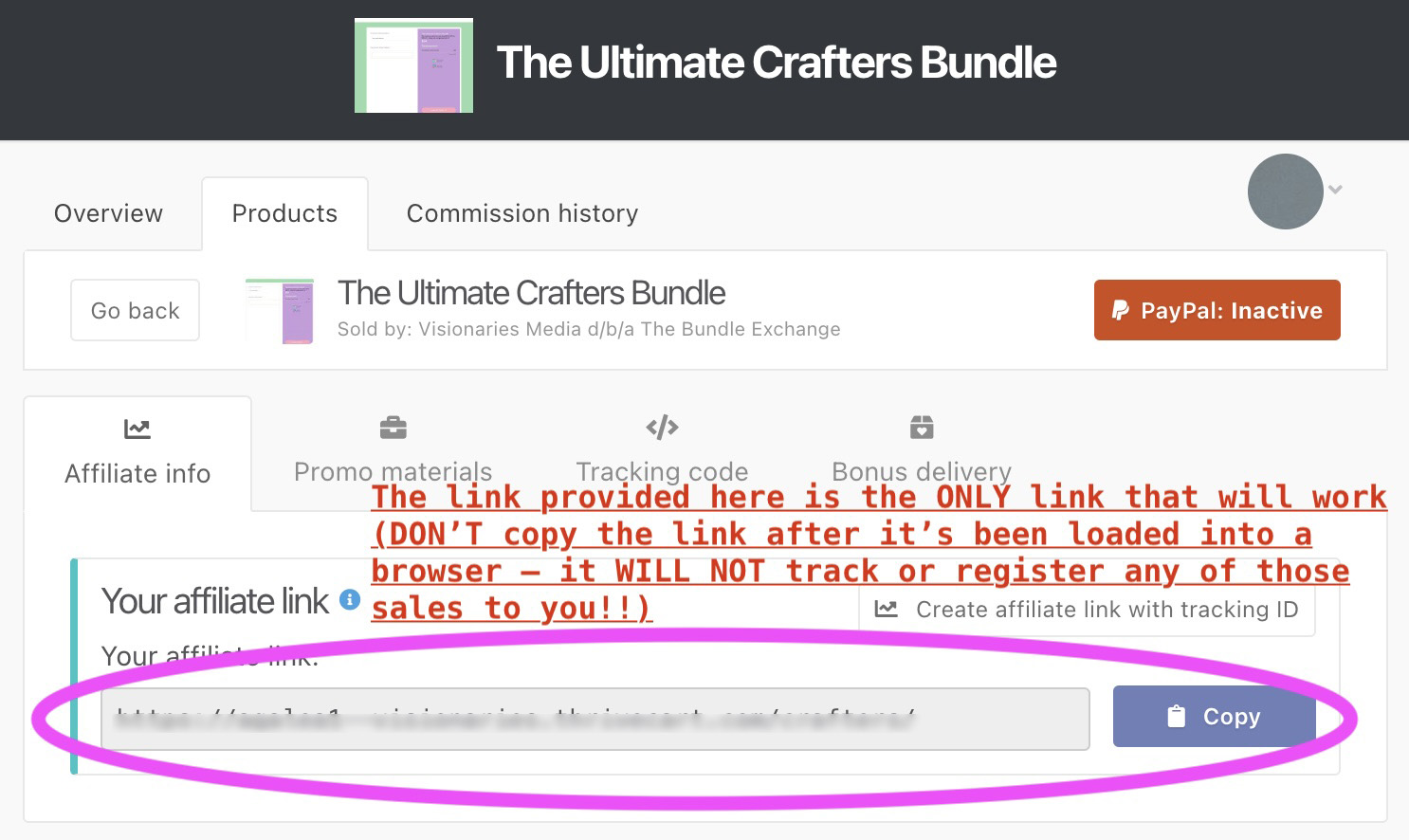
Click “copy” to get your link!
Note the red copy below – this is VERY important! Thrivecart automatically populates a new URL after the copied affiliate link is pasted and loaded into a browser. If you use the updated version of the link (from your browser), your link WILL NOT WORK.
(Not trying to yell, but I had this happen to an affiliate once, and it majorly sucked, because there was nothing I nor Thrivecart could do to help her after the fact. So don’t say I didn’t warn you – ONLY use the direct link as shown here!!!)
Any other questions?
Email me! XO Adriane
P.S. If you haven’t already setup your affiliate account for the specific bundle you are wanting to promote, you will need to need to email me for the registration link.
P.P.S. If you already finished your Content Snare form, you probably HAVE already done this. If you don’t remember your password, reset your password with Thrivecart!

© The Bundle Exchange | All rights reserved